IPTV in the USA (2026): Setup Guide, Best Devices, and Streaming Quality Tips
The United States is one of the most device-diverse streaming markets in the world. Some homes rely on Roku and Fire TV sticks, others use Apple TV or Android TV boxes, and many Smart TVs ship with their own operating systems and app stores. In 2026, that variety is exactly why IPTV can be appealing—TV over the internet can be flexible, app-based, and easier to tailor to how you actually watch.
This guide explains what IPTV means in the USA, how to think about legality and “too-good-to-be-true” offers, and how to build a setup that’s stable on real-world home networks.
What IPTV Means in the USA (in Plain English)
IPTV is television delivered using internet protocol instead of traditional broadcast, cable, or satellite. In practice, IPTV typically includes:
- Live TV channels delivered through an app
- Catch-up TV and on-demand libraries
- Multi-device viewing (TV, phone, tablet, browser)
- Features like EPG (program guide), favorites, and multi-screen
In the USA, IPTV often overlaps with:
- Licensed IPTV from major providers (often bundled with internet)
- Streaming “live TV” services that have content rights
- Independent internet-delivered channel packages, where quality and legitimacy vary widely
The technology is mainstream. The big differences are reliability, support, and whether content rights are handled properly.
Is IPTV Legal in the United States?
IPTV as a delivery method is legal. The key question is whether the service distributing the channels has the rights to do so.
As a practical rule, be cautious with subscriptions that promise “every premium channel + every sports package + every PPV” for a price that is far below normal market rates. These offers are commonly unlicensed and can come with real downsides:
- Streams disappear or go offline without warning
- The EPG breaks frequently
- Apps get removed or blocked
- Higher risk of malware, phishing, or account compromise
If you want a safer experience, prioritize providers that are transparent about what they offer, provide clear support channels, and have realistic pricing for the content they claim to carry.
The Best IPTV Devices in the USA (2026)
The “best” device is the one that matches your home ecosystem and has stable networking performance. Here are the most common USA-friendly options:
Roku
Roku is extremely popular in the USA, but it can be more restrictive than other platforms when it comes to certain IPTV-style apps. If you’re Roku-first, focus on providers and players with strong Roku support and a straightforward login experience.
Amazon Fire TV / Firestick
Fire TV remains a top choice for IPTV because it supports a wide range of player apps, usually offers simple sideloading (depending on your preferences), and has great remote control support. It’s also a good “travel device” for hotels and second TVs.
Apple TV (tvOS)
Apple TV tends to be the most consistent for smooth playback if you’re already in the Apple ecosystem. It’s a strong option for high-bitrate streams, better Wi‑Fi hardware, and long-term OS support.
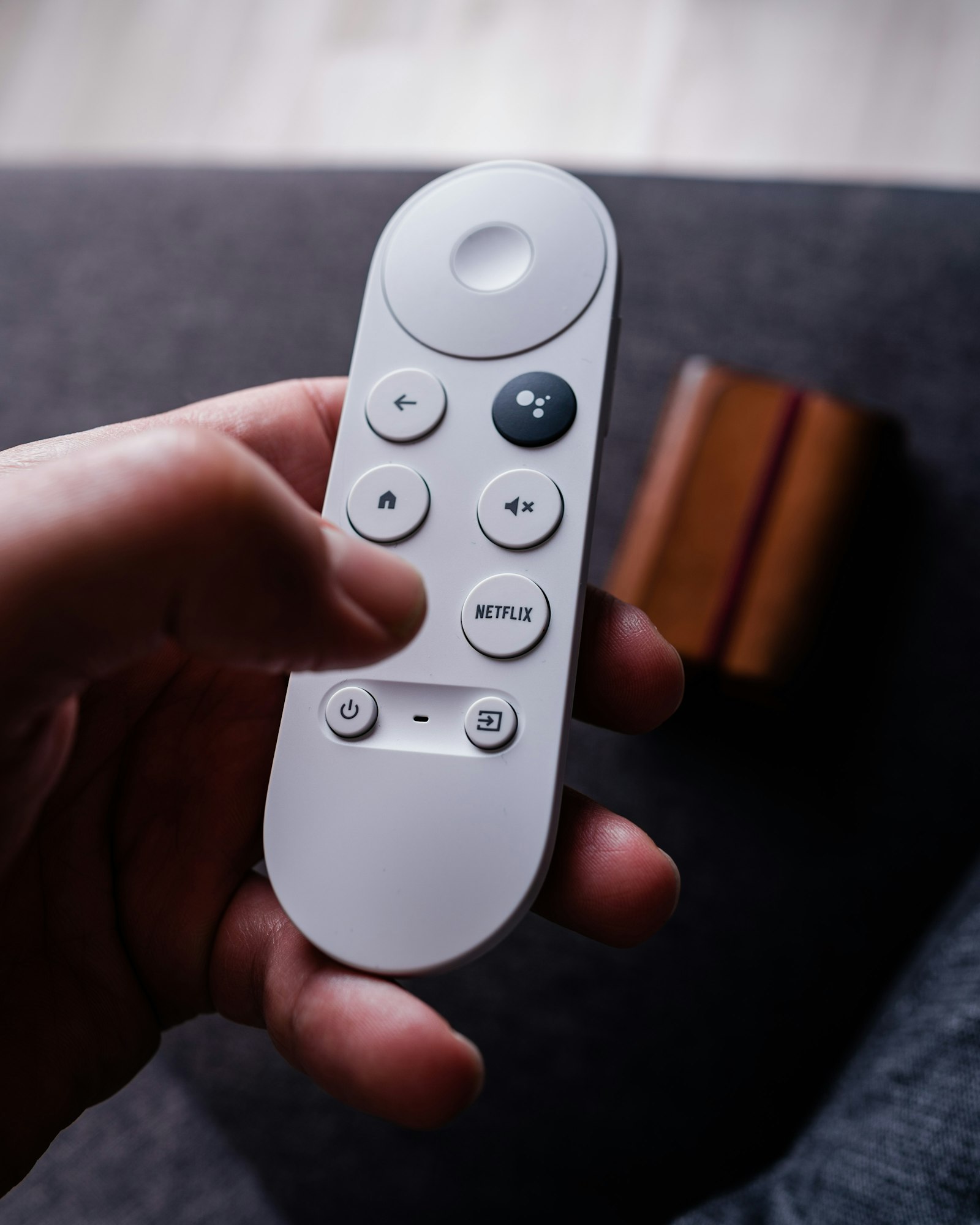
Android TV / Google TV
Android TV is flexible and widely supported by IPTV player apps. It’s often the best option if you want maximum player choice, broader codec support, and easier troubleshooting tools.
Smart TVs (Samsung / LG / Others)
Smart TV apps can work well, but Smart TV processors and Wi‑Fi radios vary a lot. If you experience buffering on a Smart TV but not on a streaming box, it’s often the TV hardware—not your internet—causing the issue.
IPTV Setup: The Two Most Common Login Types
Most IPTV players in 2026 support one (or both) of these setup methods:
M3U Playlist (URL or File)
An M3U is a playlist that lists channels (and sometimes VOD content). Many services provide an M3U URL plus an EPG URL (often XMLTV).
Best for:
- Simple setups and broad compatibility
- Users who want to use different apps on different devices
Watch-outs:
- If the playlist link leaks, your account can be abused
- Some large playlists can load slowly on low-powered devices
Xtream Codes / API Login
Many providers also offer an “API login” (often called Xtream Codes) using a server URL, username, and password. This can be more convenient than pasting long playlist links.
Best for:
- Faster loading on many devices
- Cleaner organization of Live / Movies / Series in the app
Watch-outs:
- If the provider’s server is unstable, the experience can degrade quickly
Streaming Quality Basics: Internet Speed and Stability
Buffering isn’t only about “speed.” In the USA, most homes have enough headline bandwidth—but stability problems (Wi‑Fi congestion, bad routing, overloaded servers) are what cause playback headaches.
As a starting point:
- SD: 3–5 Mbps per stream
- Full HD (1080p): 8–12 Mbps per stream
- 4K: 25+ Mbps per stream (and a stable network)
If you have multiple screens running at once, multiply those numbers. Two 1080p streams plus a 4K stream can easily push 45–60 Mbps of real throughput.
How to Fix Buffering (USA Home Network Checklist)
Use this quick checklist before blaming your IPTV player:
- Try Ethernet if possible. A $10 Ethernet adapter can outperform even good Wi‑Fi in congested apartments.
- Move the streaming device closer to the router. Signal strength still matters, especially for Smart TVs behind walls.
- Use 5 GHz (or Wi‑Fi 6/6E) where available. It’s typically faster and less crowded than 2.4 GHz.
- Restart your router/modem once in a while. Especially if you notice “good speed tests” but real apps stutter.
- Switch the player’s stream format. Some apps let you select HLS vs MPEG‑TS; one may perform better on your network.
- Test at a different time of day. Evening congestion can affect routing and provider load.
If buffering only happens on one device (e.g., the Smart TV app) but not on another (e.g., Fire TV), prioritize upgrading the device—not the internet plan.
Choosing a Reliable IPTV Service: What to Look For
The USA market is crowded, so focus on signals of reliability:
- Clear support options: email/ticketing, response times, and refund policies
- Stable EPG: guide data that matches channels and updates consistently
- Multi-device rules that make sense: how many connections you get and how they’re enforced
- Transparent pricing: realistic rates and clear renewal terms
- Trial option: a short trial is often the fastest way to judge quality
Also, consider your must-haves:
- Local channels vs international packages
- Sports performance (latency, stability, peak-time load)
- DVR/catch-up vs live-only
- VOD organization (movies/series metadata quality)
A Simple IPTV Setup Walkthrough (Any Device)
If you’re setting up IPTV for the first time, this order tends to be the least painful:
- Pick your primary device. If you’re unsure, Fire TV or Android TV is usually the easiest for IPTV player compatibility.
- Install a reputable IPTV player app. Avoid unknown APKs or apps with suspicious permissions.
- Add your login method (M3U or API). Keep credentials private and avoid sharing playlist links.
- Add EPG if it’s separate. Many services provide a second URL for guide data.
- Organize favorites. Keep a short “daily list” so channel browsing is fast.
- Run a peak-time test. Test during evenings/weekends to see how the service handles real load.
FAQs: Common USA IPTV Questions
Do I need a VPN for IPTV?
Some people use a VPN for privacy or to work around routing issues, but a VPN can also reduce speed or increase latency depending on the server. If you try a VPN, treat it as a troubleshooting tool: test with it on and off and keep whichever is more stable.
Why does my IPTV work on my phone but buffer on my TV?
Phones often have newer Wi‑Fi hardware and better app optimization. Smart TVs can struggle with large playlists, heavy EPG data, or weaker processors. A dedicated streaming device can be the simplest fix.
Can I use the same IPTV subscription on multiple devices?
It depends on the provider’s connection policy. Some allow multiple concurrent streams; others require one active connection at a time. Always check the provider’s rules to avoid random disconnects.
Final Thoughts
IPTV in the USA can be a great fit if you choose a reliable service, use a device that can handle the app and playlist size, and treat your home network like part of the system—not an afterthought. Start with a stable device, test at peak hours, and prioritize providers with real support. You’ll get a far smoother experience than chasing the cheapest offer on the internet.